
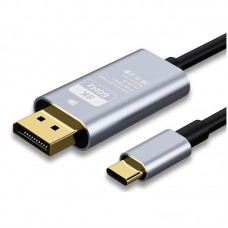
USB-C to DisplayPort 1.4 Cable (6ft) – 8K@60Hz / 4K@144Hz Thunderbolt 3/4 to DP Cord
In stock
USB-C to
DisplayPort 1.4 Cable (6ft) connects your Thunderbolt 3/4 or USB-C device to
a DisplayPort monitor for sharp, smooth video. It supports up to 8K@60Hz and
high refresh 4K gaming on compatible hardware. Great for gaming monitors,
creative work, and multi-display home office setups.
$20.61
In stock
Overview
USB-C to DisplayPort 1.4 Cable (6ft) is a high-performance video cable designed to connect a USB‑C / Thunderbolt 3/4 device directly to a DisplayPort monitor. It supports ultra-high resolutions like 8K@60Hz and high refresh gaming modes like 4K@144Hz (when your device and monitor support those modes), making it ideal for creators, gamers, and multi-monitor home office setups.
Key Features
- USB‑C/Thunderbolt to DisplayPort: Connect a USB‑C (DP Alt Mode) or Thunderbolt 3/4 laptop/PC to a DisplayPort display.
- DisplayPort 1.4 performance: Built for higher bandwidth video and modern DP 1.4 features on compatible hardware.
- 8K & high refresh support: Up to 8K@60Hz and up to 4K@144Hz (actual result depends on GPU, USB‑C port video support, cable length, and monitor settings).
- Great for gaming & productivity: Smooth motion for high-refresh monitors and sharp visuals for design, editing, and spreadsheets.
- Single-cable setup: Direct USB‑C to DP connection helps keep your desk clean and simple.
Common Uses
- USB‑C/Thunderbolt laptop → DisplayPort gaming monitor (high refresh)
- MacBook/Windows laptop → 4K/8K DisplayPort monitor for work
- Dock-free external monitor connection (when your USB‑C port supports video output)
- Conference room/project setup with DP displays
Specifications
| Product type | USB‑C / Thunderbolt to DisplayPort 1.4 video cable |
|---|---|
| Length | 6 ft (1.8 m) |
| Connector A | USB‑C Male (Thunderbolt 3/4 compatible) |
| Connector B | DisplayPort Male (DP 1.4) |
| Max resolution | Up to 8K@60Hz (device/monitor dependent) |
| High refresh support | Up to 4K@144Hz (device/monitor dependent) |
| Direction | USB‑C (source) → DisplayPort (display) |
| Best for | High-resolution monitors, high-refresh gaming monitors, dual-screen work setups |
Important Notes (Please Read)
- USB‑C must support video (DP Alt Mode): Not every USB‑C port outputs video. If your USB‑C port is data-only, the cable will not work.
- One-way cable: This cable is for USB‑C device to DisplayPort monitor only (not DP to USB‑C display).
- 4K@144Hz needs the right hardware: Your GPU, USB‑C/Thunderbolt port, and monitor must support the required bandwidth; you may need to enable high refresh / DP 1.4 / DSC settings on your monitor.
- Mac note (gaming refresh rates): Some Mac models may not support every high refresh/resolution combination—results depend on the specific Mac/GPU and monitor.
What’s in the Box
- 1 × USB‑C to DisplayPort 1.4 Cable (6ft)
FAQ
Will this work with Thunderbolt 3/4?
Yes. Thunderbolt 3/4 ports use the USB‑C connector and commonly support DisplayPort video output.
Why am I not getting 4K@144Hz?
Check that your USB‑C port supports DP Alt Mode, your GPU supports 4K high refresh, your monitor is set to the correct DP mode, and the refresh rate is selected in display settings.
Does it carry audio too?
DisplayPort can carry audio, but audio output depends on your device settings and monitor/audio setup.



Based on 0 reviews
Be the first to review “USB-C to DisplayPort 1.4 Cable (6ft) – 8K@60Hz / 4K@144Hz Thunderbolt 3/4 to DP Cord”
You must be logged in to post a review.
Related products
-
Cables & Adapters, Cables & Chargers, CABLES HUBS & CONNECTOR, Laptop And Computer, Mobile Accessories
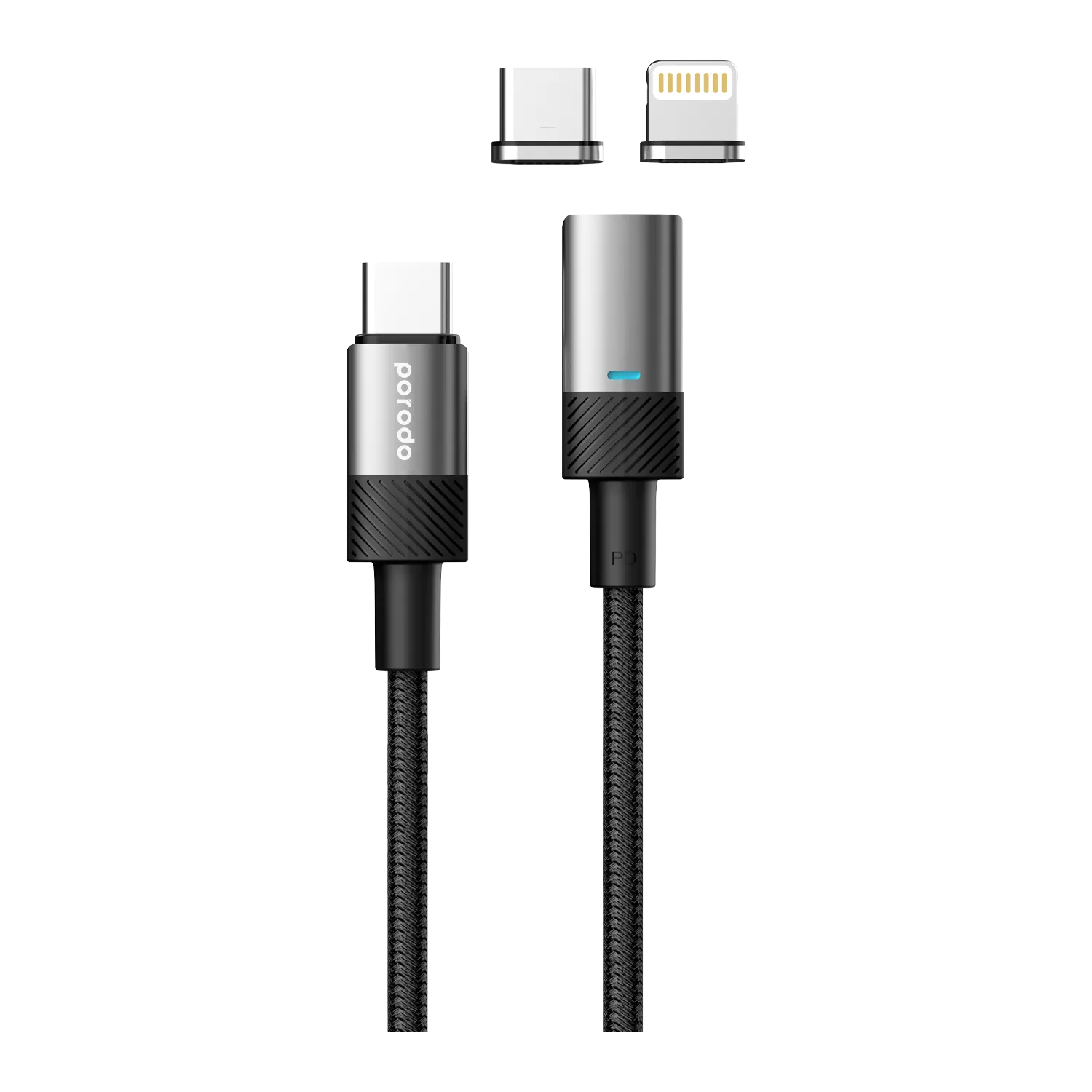
Porodo Braided 100W PD USB-C to USB-C + Lightning Magnetic Cable 1.2m(Gray)
 Cables & Adapters, Cables & Chargers, CABLES HUBS & CONNECTOR, Laptop And Computer, Mobile Accessories
Porodo Braided 100W PD USB-C to USB-C + Lightning Magnetic Cable 1.2m(Gray)
Porodo USB-C + Lightning Braided Magnetic Cable 1.2m — 100W USB-C + 30W Lightning, 480Mbps data, detachable heads, 15,000+ bends. Gray/Gold. Free delivery in Scarborough.
SKU: ET01100WC2CLBK0057 -
Laptop And Computer, MOUSE & KEYBOARD
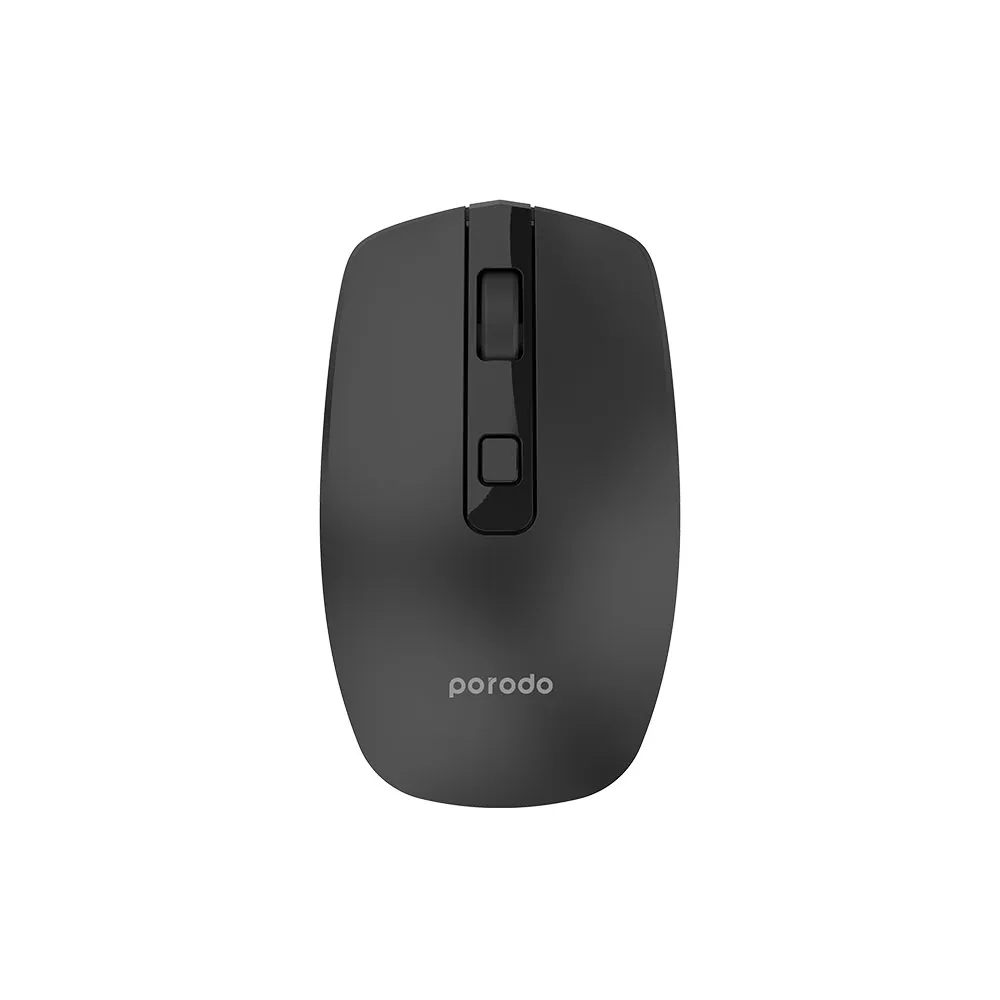
Porodo 1600 DPI Wireless Mouse — Dual 2.4GHz + Bluetooth V5.2, 30-Day Battery, Adjustable DPI (Black/White)
 Laptop And Computer, MOUSE & KEYBOARD
Porodo 1600 DPI Wireless Mouse — Dual 2.4GHz + Bluetooth V5.2, 30-Day Battery, Adjustable DPI (Black/White)
Porodo 1600 DPI Wireless Mouse — 2.4GHz dongle + Bluetooth V5.2, adjustable 800–1600 DPI, 10m range, 30-day 400mAh battery, Type-C charging. Windows/Mac compatible. Black/White.
SKU: ET01WBRM16BK0068 -
Cables & Adapters, Cables & Chargers, CABLES HUBS & CONNECTOR, Laptop And Computer, Mobile Accessories
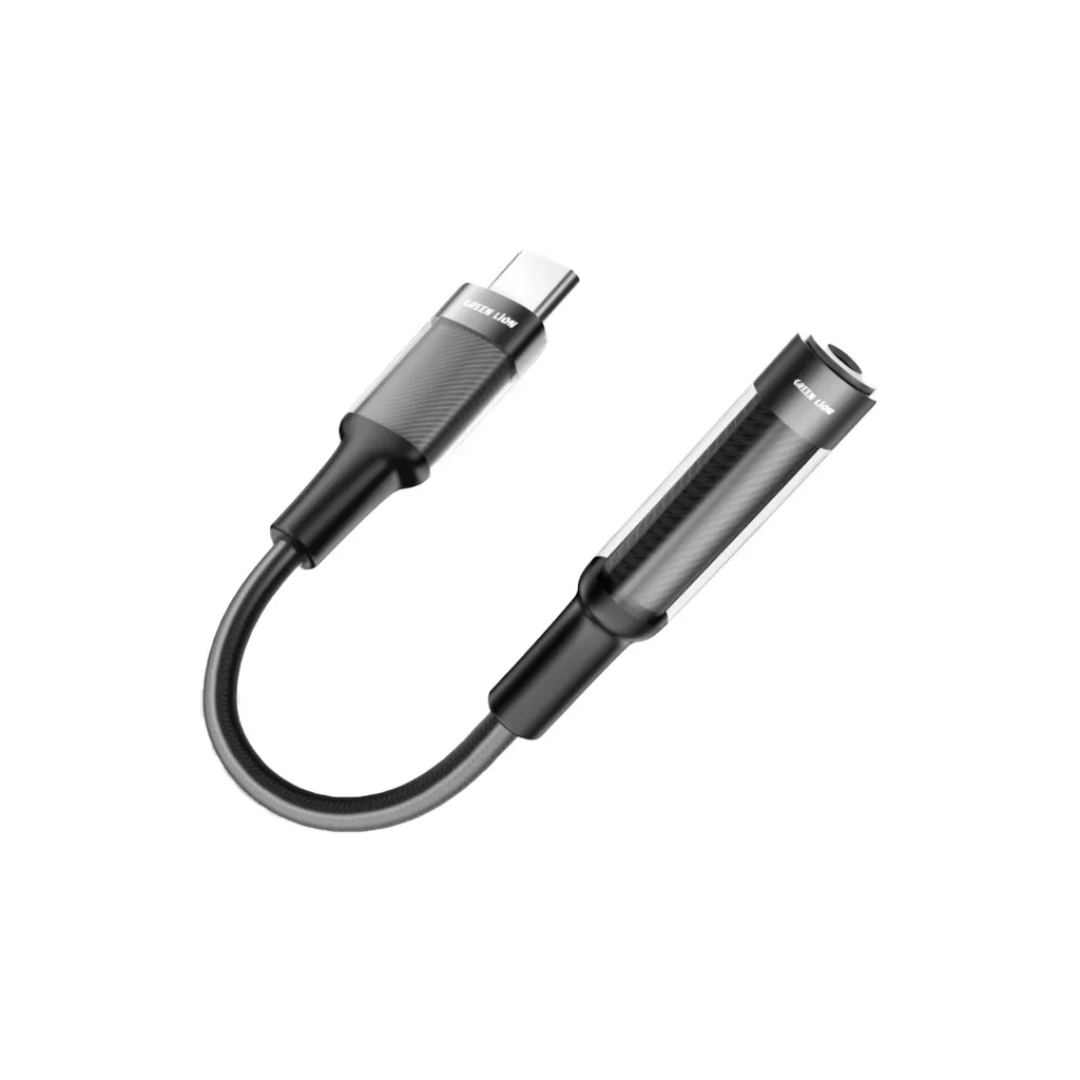
Green Lion Earphone Adapter USB-C to 3.5mm Audio Jack – 12 Black
 Cables & Adapters, Cables & Chargers, CABLES HUBS & CONNECTOR, Laptop And Computer, Mobile Accessories
Green Lion Earphone Adapter USB-C to 3.5mm Audio Jack – 12 Black
Green Lion Earphone Adapter USB-C to 3.5mm Audio Jack 12cm Black: TPE + aluminum alloy braided construction, stable lossless audio, 10,000-bend durability. Compact & portable. Free delivery in Scarborough.
SKU: ET01EARADCTAUXBK0031 -
Cables & Adapters, Cables & Chargers, CABLES HUBS & CONNECTOR, iPhone, Laptop And Computer, Mobile Accessories
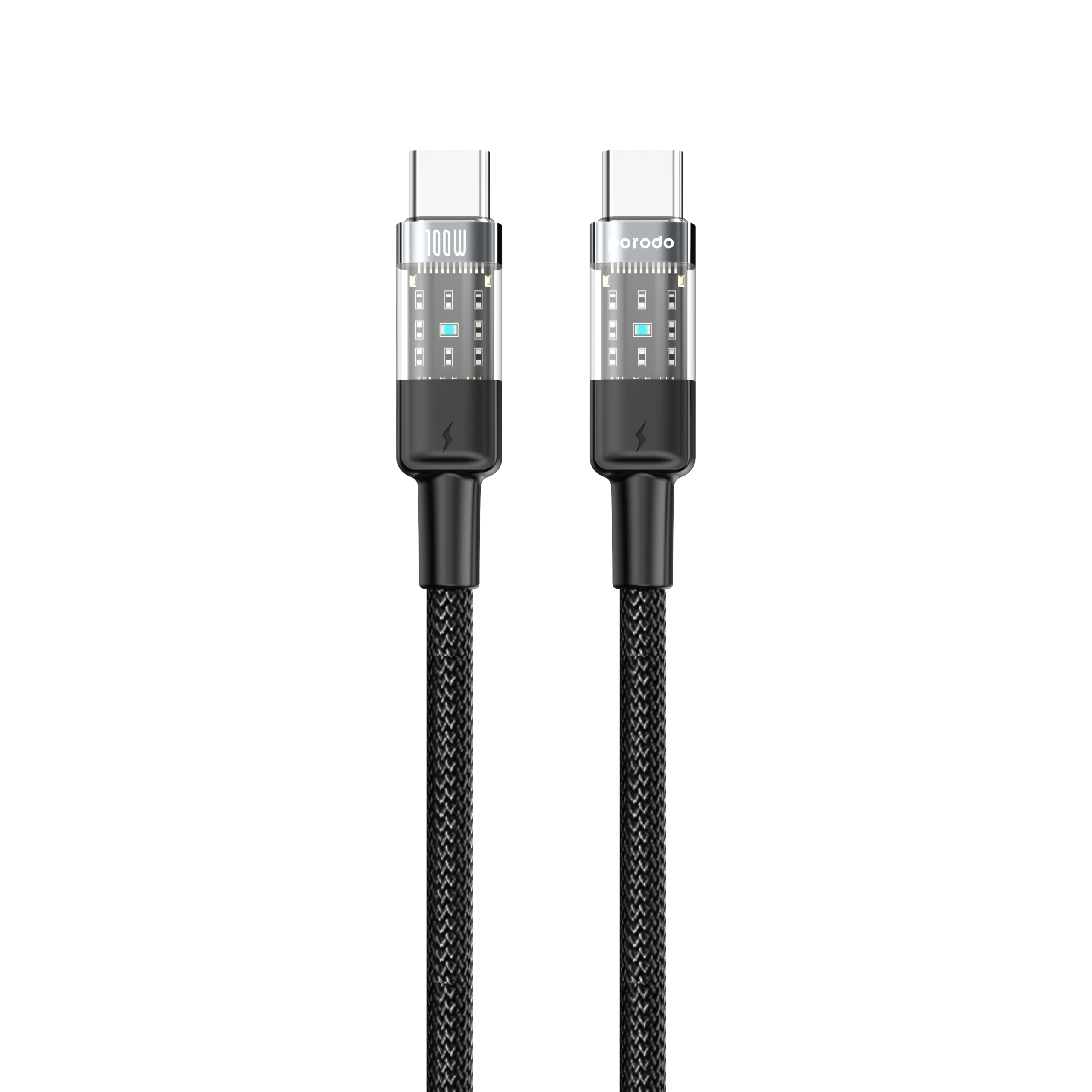
Porodo Braided USB-C to USB-C Cable 1.2m — 100W PD Fast Charging
 Cables & Adapters, Cables & Chargers, CABLES HUBS & CONNECTOR, iPhone, Laptop And Computer, Mobile Accessories
Porodo Braided USB-C to USB-C Cable 1.2m — 100W PD Fast Charging
Porodo USB-C to USB-C Braided Cable 1.2m — 100W PD fast charging, 480Mbps data, transparent connectors, 15,000+ bends, tangle-free. Black/Blue. Free delivery in Scarborough.
SKU: ET01100WCCTHBK0056
There are no reviews yet.