
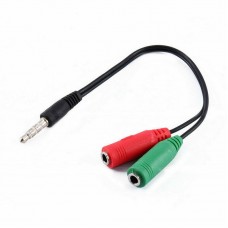
3.5mm Headphone Splitter Adapter – 4-Pole Male to Dual Female (Mic + Audio) Aux Cable
In stock
3.5mm
4-pole headset splitter converts one combo headset port into separate mic and
headphone connections. Great for using a dedicated microphone and headphones
on devices with a single headset jack. Designed for clearer communication
during meetings, online classes, and gaming.
$8.32
In stock
Overview
3.5mm Headphone Splitter Adapter (4‑Pole Male to Dual Female) is an AUX Y‑cable designed to split a single 3.5mm combo headset jack into two separate ports—one for headphones (audio) and one for a microphone (mic). It’s ideal for laptops/PCs or devices that have a single 3.5mm headset port (TRRS) but you want to use separate plugs for mic and audio.
Key Features
- Combo jack splitter: Converts one 3.5mm 4‑pole (TRRS) male plug into two separate 3.5mm female ports.
- Mic + audio separation: One port is for microphone input and the other is for headphone audio output.
- Perfect for meetings & gaming: Use a separate external mic + headphones for clearer voice and sound.
- Plug & play: No drivers, no power—just connect and use.
- Compact & portable: Easy to carry for office, travel, and daily setup.
How to Use
- Plug the 4‑pole (TRRS) male end into your device’s combo headset port.
- Connect your headphones to the audio (headphone) female port.
- Connect your microphone to the mic female port.
Specifications
| Product type | Headset splitter / mic & headphone adapter (Y‑cable) |
|---|---|
| Input | 3.5mm Male, 4‑Pole (TRRS) |
| Outputs | 2 × 3.5mm Female (1 × Headphone/Audio, 1 × Microphone) |
| Function | Splits a single combo headset jack into separate mic and headphone ports |
| Best for | Laptops/PCs with a single headset port, online classes, calls, gaming voice chat |
Important Notes (Please Read)
- Not for two headphones sharing: This splitter is for mic + headphone separation, not for sharing audio to two headsets.
- TRRS compatibility matters: Your device must have a 3.5mm combo headset (TRRS) port for this to work correctly.
- CTIA vs OMTP: Some older devices use different headset wiring standards—if mic doesn’t work, compatibility may be the reason.
- Connect headset first: For best detection, plug your mic/headphones into the splitter before plugging the splitter into the device.
What’s in the Box
- 1 × 3.5mm Headphone Splitter Adapter (4‑Pole Male to Dual Female Mic + Audio)
FAQ
What is a 4‑pole (TRRS) plug?
A 4‑pole 3.5mm plug carries stereo audio plus microphone on a single connector (commonly used on combo headset ports).
Will it work on my PC?
It will work if your PC/laptop has a single 3.5mm combo headset jack. If your computer already has two separate jacks (pink mic + green audio), you usually don’t need this adapter.
Why is my mic not working?
Make sure the mic is connected to the correct port, your device supports a TRRS combo jack, and your headset standard matches your device.



Based on 0 reviews
Be the first to review “3.5mm Headphone Splitter Adapter – 4-Pole Male to Dual Female (Mic + Audio) Aux Cable”
You must be logged in to post a review.
Related products
-
Cables & Adapters, Cables & Chargers, CABLES HUBS & CONNECTOR, Laptop And Computer, Mobile Accessories
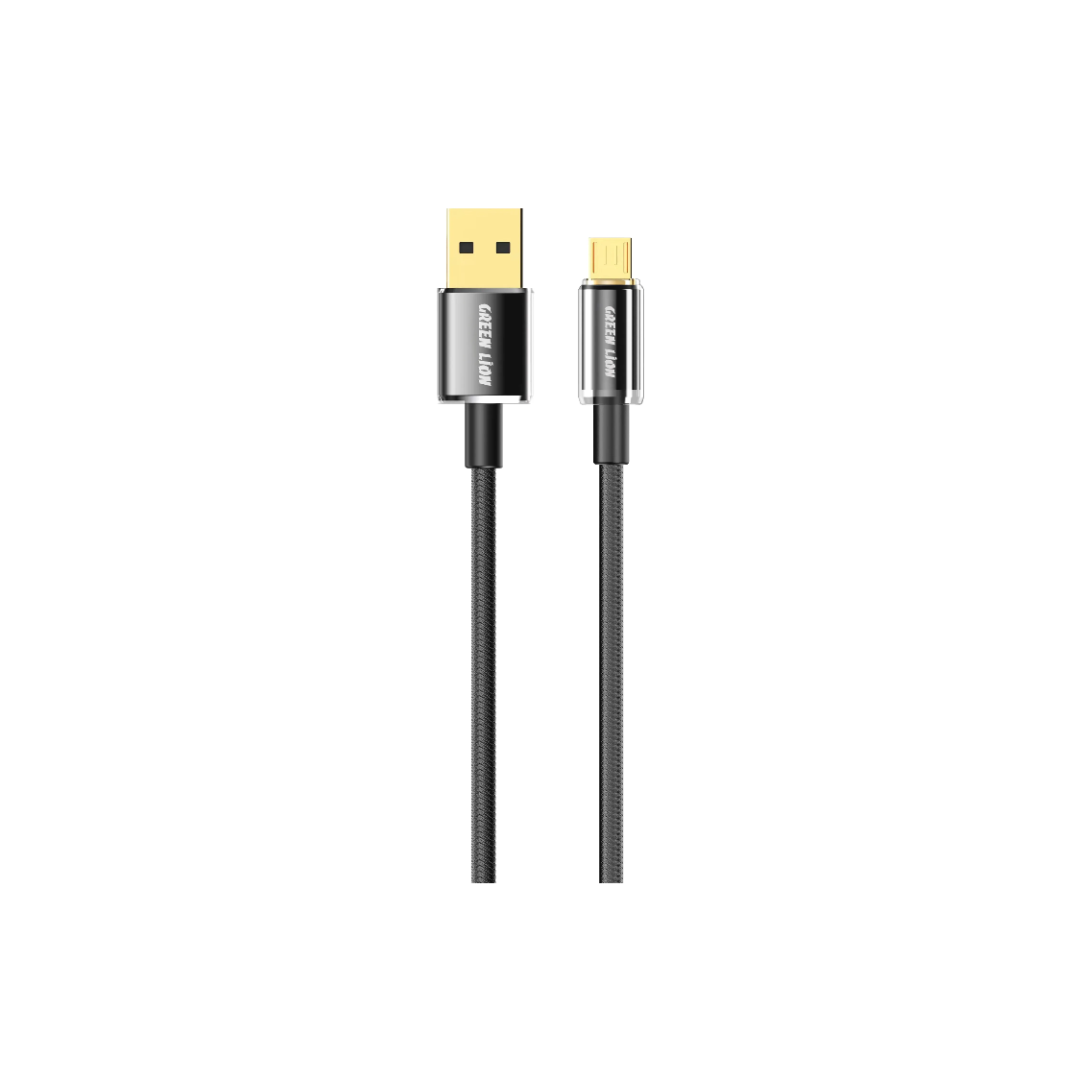
Green Lion USB-A to Micro Tough Cable – 1m, 3A, Black
 Cables & Adapters, Cables & Chargers, CABLES HUBS & CONNECTOR, Laptop And Computer, Mobile Accessories
Green Lion USB-A to Micro Tough Cable – 1m, 3A, Black
Green Lion USB-A to Micro Tough Cable 1m Black: 3A fast charging, 480Mbps data transfer, transparent + aluminum alloy + 48 braided strands for extreme durability. Secure charge & sync. Free delivery in Scarborough.
SKU: ET01TPTGHATMBK0028 -
Cables & Adapters, Cables & Chargers, CABLES HUBS & CONNECTOR, HOME AUDIO & THEARTER, Laptop And Computer, Mobile Accessories, speakers
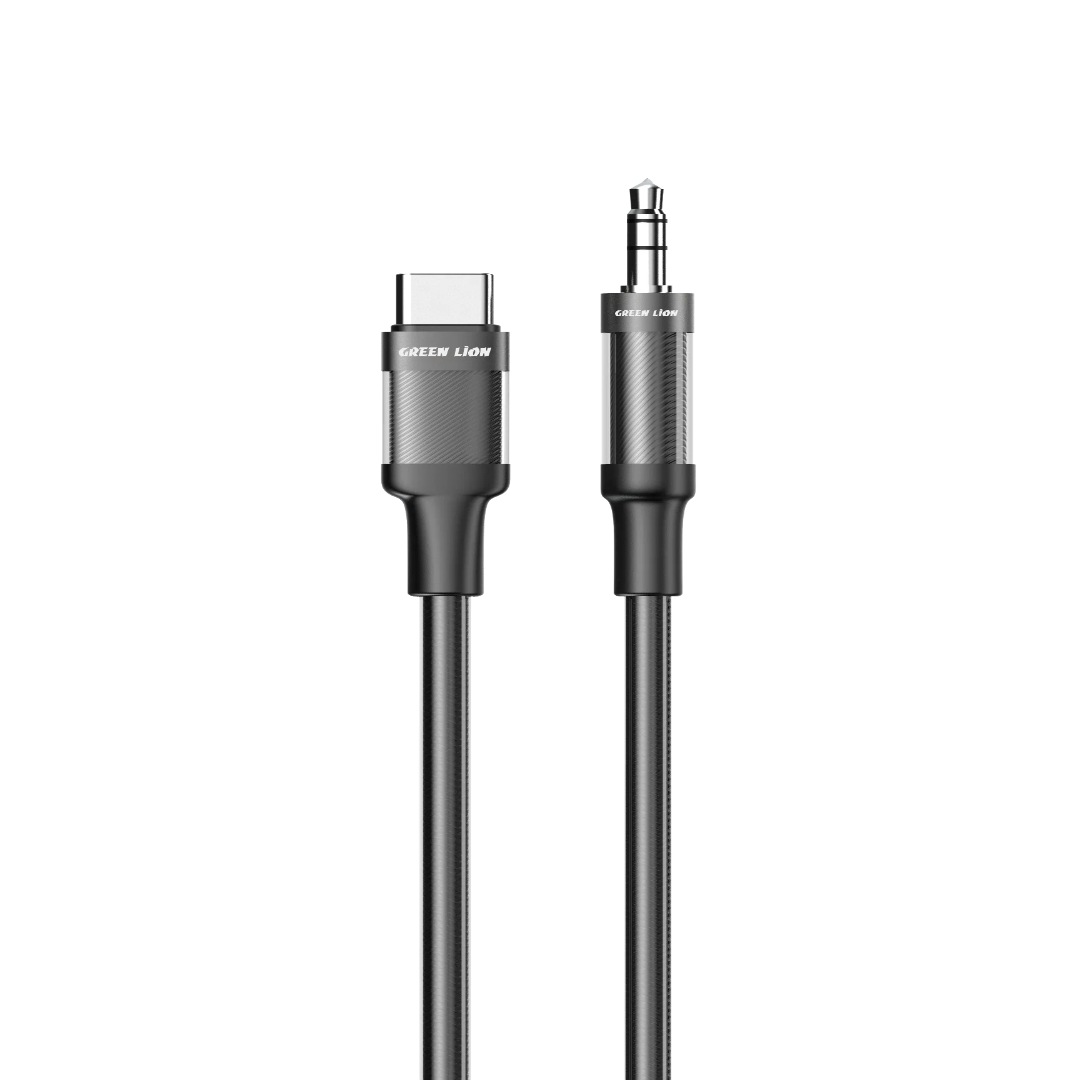
Green Lion USB-C to AUX Braided Cable – 1m, Black
 Cables & Adapters, Cables & Chargers, CABLES HUBS & CONNECTOR, HOME AUDIO & THEARTER, Laptop And Computer, Mobile Accessories, speakers
Green Lion USB-C to AUX Braided Cable – 1m, Black
Green Lion USB-C to AUX Braided Cable 1m Black: Transparent braided design, copper core for minimal delay and clear sound, 10,000+ bend durability. Stable signal for speakers and headphones. Free delivery in Scarborough
SKU: ET01CTAUXCBK0027 -
Cables & Adapters, Cables & Chargers, CABLES HUBS & CONNECTOR, iPhone, Laptop And Computer, Mobile Accessories
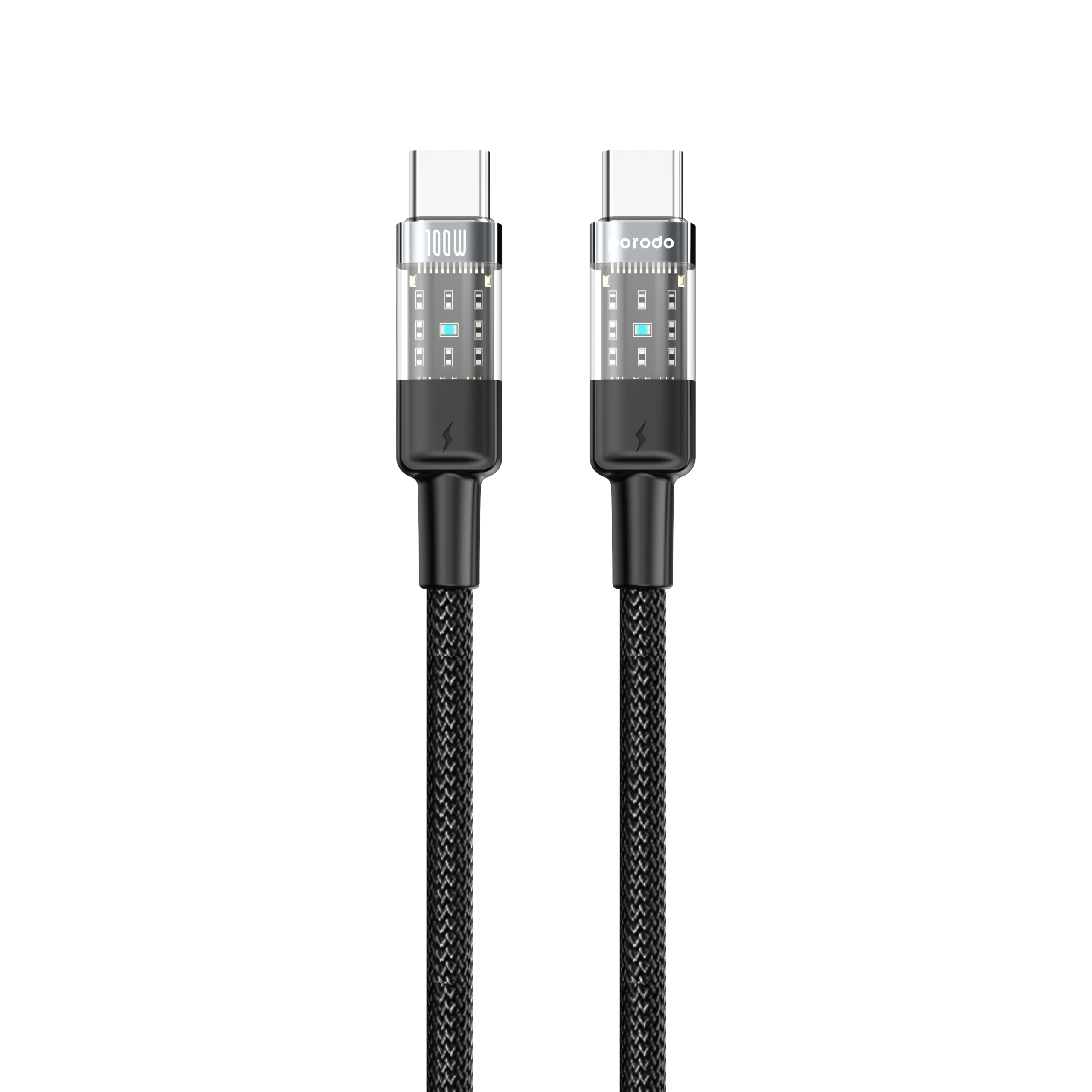
Porodo Braided USB-C to USB-C Cable 1.2m — 100W PD Fast Charging
 Cables & Adapters, Cables & Chargers, CABLES HUBS & CONNECTOR, iPhone, Laptop And Computer, Mobile Accessories
Porodo Braided USB-C to USB-C Cable 1.2m — 100W PD Fast Charging
Porodo USB-C to USB-C Braided Cable 1.2m — 100W PD fast charging, 480Mbps data, transparent connectors, 15,000+ bends, tangle-free. Black/Blue. Free delivery in Scarborough.
SKU: ET01100WCCTHBK0056 -
Cables & Adapters, Cables & Chargers, CABLES HUBS & CONNECTOR, Laptop And Computer, Mobile Accessories
Green Lion USB-C to USB-C PVC Cable – 1m, 60W PD, Black
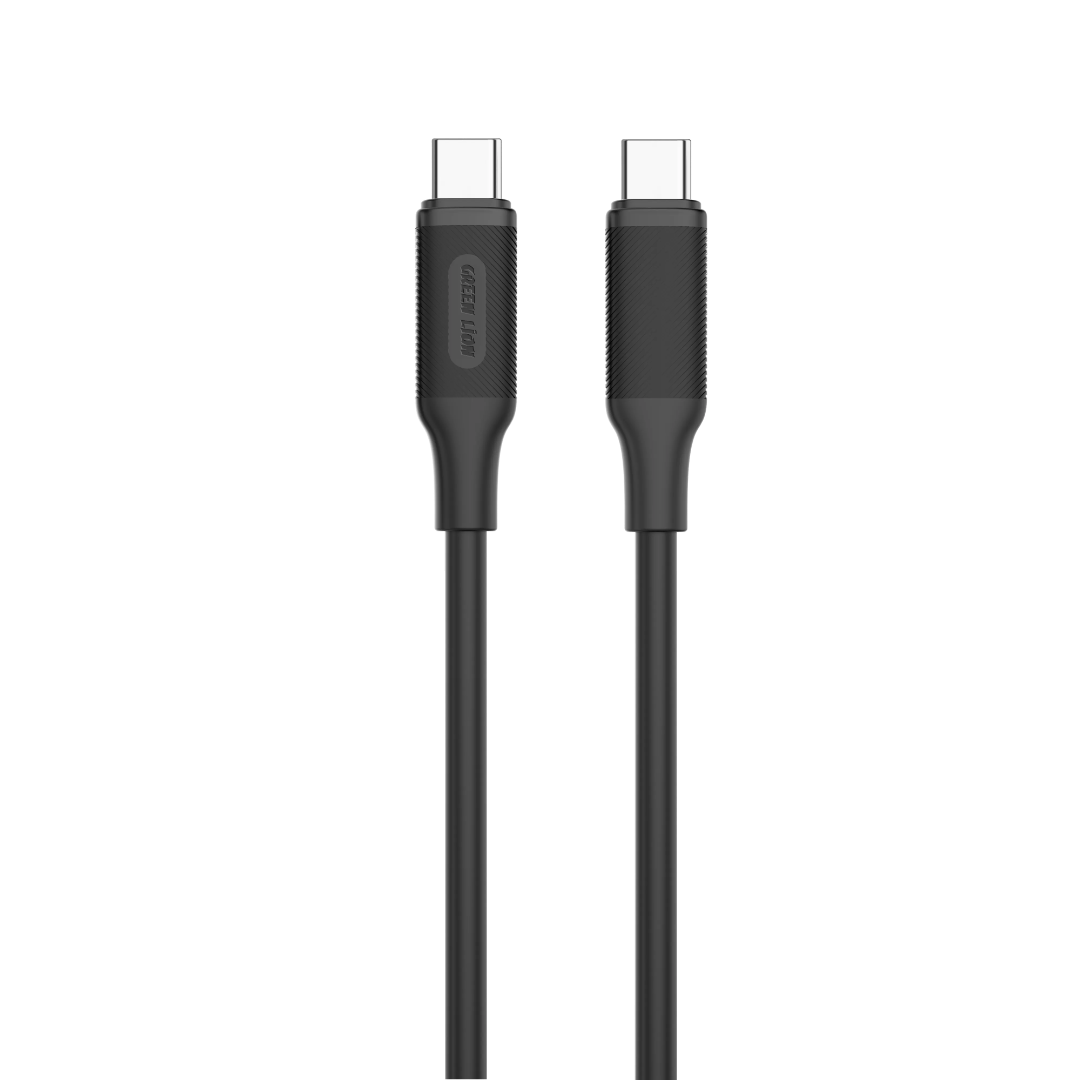 Cables & Adapters, Cables & Chargers, CABLES HUBS & CONNECTOR, Laptop And Computer, Mobile Accessories
Green Lion USB-C to USB-C PVC Cable – 1m, 60W PD, Black
Green Lion USB-C to USB-C PVC Cable 1m Black: 60W PD fast charging, 480Mbps data transfer, 10,000-bend lifespan for durability. Secure charge & sync. Free delivery in Scarborough
SKU: ET01PVC60CTCBK0029
There are no reviews yet.